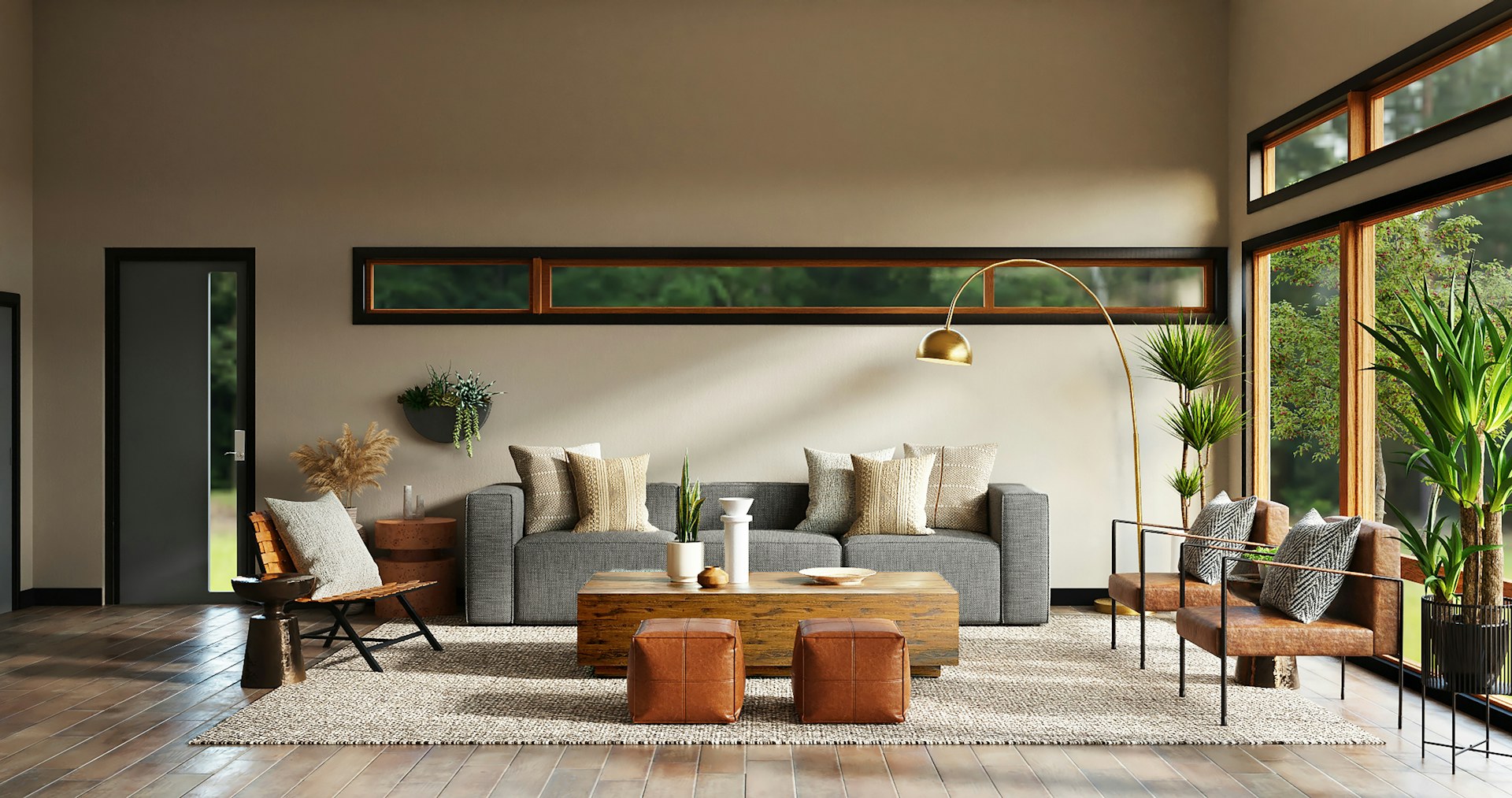

AI in the Smart Home: Useful Automation Without Giving Up Privacy
How to design predictive automation with local logic, less cloud dependency, and better UX on premium residential projects in Ecuador.

AI in the Smart Home: Useful Automation Without Giving Up Privacy
The promise of AI in the home isn’t “more voice commands” — it’s less friction: lights that adjust without being asked, climate that anticipates your arrival, security that surfaces meaningful events, and scenes that follow how you actually live rather than how you planned to live when you set them up.
The challenge is delivering this without turning your home into an unstable experiment — or into a surveillance system that works against your family’s privacy.
Three Levels of Automation (And Where AI Actually Helps)
Not all automation is “AI.” Understanding the levels clarifies what’s realistic:
Level 1 — Schedule-based: lights turn on at 7 AM, HVAC shifts to nighttime mode at 10 PM. Simple, reliable, easy to maintain. Works even when internet is down. This is the foundation most homes should have — not exotic, but consistently valuable.
Level 2 — Sensor-triggered: occupancy sensor activates the office climate when someone enters. Window-open sensor pauses the AC. Motion detector at the perimeter triggers a camera notification. More sophisticated than schedules, still straightforward to implement and maintain.
Level 3 — Predictive/adaptive: the system learns patterns over time and adjusts proactively. Lights gradually rise before your typical wake time. The thermostat cools the primary bedroom 30 minutes before you usually go to bed. Climate pre-conditions based on location data from your phone (you’re 15 minutes away; start cooling).
Level 3 is where consumer marketing focuses. Levels 1 and 2, done well, deliver 90% of the daily value — with a fraction of the complexity and failure modes.
The “Few Good Triggers” Principle
Strong home automation outcomes usually come from a specific approach:
- A few well-chosen triggers (schedule + occupancy + light level + location) rather than dozens of overlapping conditions
- Scenes that people understand and can override easily — every automation should have a clear manual override
- Logic that doesn’t depend on fifteen fragile conditions all being true simultaneously
An automation that fires “if it’s between 5 PM and 11 PM, and the lux level is below 400, and there’s occupancy in the living room, and it’s a weekday, and the AC is running” will eventually fail in some edge case and create confusion. An automation that fires “when you arrive home in the evening” is robust, predictable, and easy for anyone in the household to understand.
Local vs. Cloud: Why Architecture Matters in 2026
When automation logic runs locally — on the Control4 controller on your home network — you gain:
- Consistent response time: commands execute in milliseconds, not after a round trip to a cloud server
- Fewer failure points: your automation works when the ISP is slow, when the cloud service has maintenance, or when a cloud API changes
- Better privacy control: the logic, triggers, and data stay on-premise
This doesn’t mean “zero cloud.” It means choosing what must always work locally and what can use cloud services for convenience:
- Local (must always work): lights, climate, security, door locks, scenes
- Cloud (acceptable to use): streaming music, voice assistants, remote access from outside the home, weather data for schedule adjustments
A Control4 system running its core logic locally will continue operating through extended internet outages. An Alexa or Google Home routine won’t.
The Practical Privacy Decisions
Privacy in a smart home is less about ideology and more about concrete decisions made during setup:
Cameras
- Which zones: exterior perimeter cameras are broadly acceptable. Interior cameras (common areas) require household buy-in and clear policy. Bedroom and bathroom cameras should never exist.
- Who has access: owners, family members, and household staff should have tiered access levels (not one shared admin password)
- Retention: how many days of footage is kept, where it’s stored, and who can access historical recordings
- Remote access: how camera streams are accessed from outside the home (VPN vs. cloud relay vs. port forwarding — not all equally secure)
Microphones and Voice Assistants
Voice assistants in bedrooms and private spaces introduce an ongoing recording risk that many homeowners prefer to avoid. Voice control is more appropriate in common areas (kitchen, living room) than in private spaces.
Control4 offers voice control integration (Amazon Alexa, Google) without requiring always-on microphones throughout the home — the microphone can be limited to specific keypads or devices in non-private spaces.
Guests and Staff
- Guests should be on an isolated guest Wi-Fi network, not your primary home network
- Household staff should have appropriate access to systems they use (climate, some lighting scenes) without admin access to cameras, security codes, or network settings
- Service technicians (HVAC, pool maintenance) should have time-limited access codes that expire automatically and generate an activity log
Accounts and Credentials
Single-user administration with a strong password is a minimum. In premium projects, we recommend:
- Primary owner account with full access
- Secondary user accounts for family members with appropriate permissions
- Service account for the integrator with remote access via OvrC (auditable, no password sharing required)
- All credentials stored in a secure password manager, not shared via text
The 2026 Trend: Calm Technology
The direction in premium smart home automation is toward what technologists call “calm technology” — systems that work in the background, surface only what needs your attention, and stay out of the way the rest of the time.
Fewer notifications. Fewer manual interactions. More correct predictions. Less visible complexity.
A home automation system that requires daily management isn’t a smart home — it’s a job. A well-designed system should feel like the house knows you and responds accordingly, without requiring you to remember dozens of rules, modes, and settings.
Want automation designed around how your family actually lives? Contact us for a consultation on AI-assisted automation for your home in Ecuador.